Crosswalks and fire lanes stay clear
Draw no-parking zones on the camera picture. A car stopped in one means an SMS to your security team that names the zone, such as Crosswalk 1.

Draw no-parking zones such as crosswalks and fire lanes, and give each company its own spaces. Spotted watches the parked cars: a car in a no-parking zone, in someone else's space, not on your list or left after hours reaches your security team by SMS, with a photo. Every plate it can read is logged.
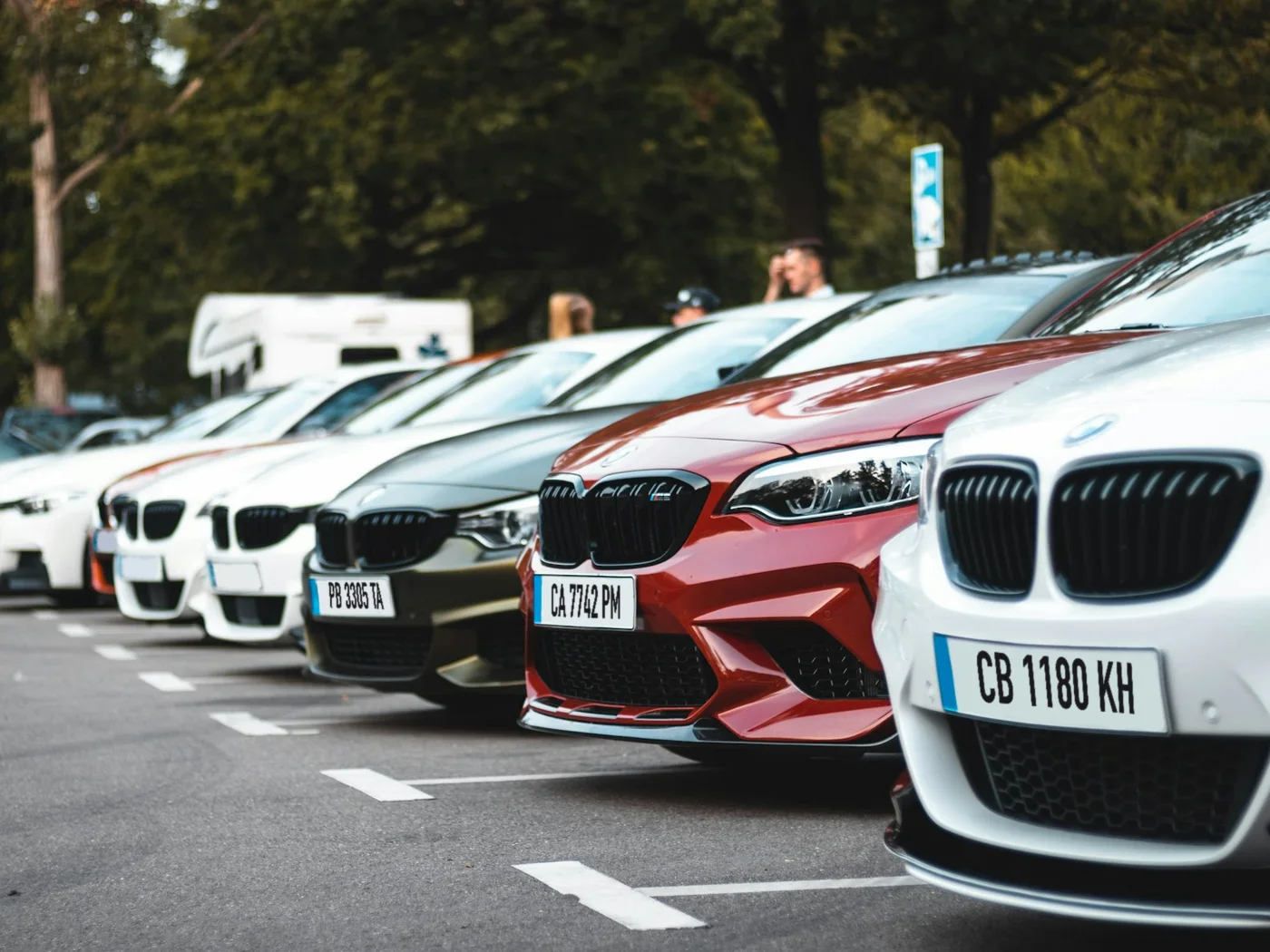
Draw no-parking zones on the camera picture. A car stopped in one means an SMS to your security team that names the zone, such as Crosswalk 1.
A car in a space that belongs to another company is flagged. You are told, and if you switch it on, so is the company whose space was taken.
Every flagged car comes with plate, time and photo, so you talk to the driver, the tenant or the visitor's host with the facts in hand.
Spotted Edge on your site watches the parked cars, reads their plates and checks them against your zones, your spaces, your list and your hours. Flagged cars reach your people by SMS or phone call, and your app and dashboard with plate, time and photo.
Cameras that see the plates of parked cars.
Your zones, spaces, list and hours. Bulgarian Cyrillic, Latin and EU plates.
Zone or space, plate and time, even without internet.
Your dashboard catches up when the line is back.
Every flagged car with its photo.
See the car on your phone.
No-parking zones and each company's spaces.
Staff, fleet, companies and opening hours.
Camera → Spotted on your site watches the parked car and reads its plate → checks it against your zones, spaces, list and hours → an SMS or a call to your people, even without internet. When online: plate, time and photo in your app and dashboard.
Tell us which cars belong where, and when. Spotted flags only the cars that break your rules.
Draw a no-parking zone on the camera picture and give it a name, such as Crosswalk 1. A car stopped in it means an SMS to your security team that names the zone, with a photo.
Use it for: crosswalks, fire lanes, walkways and loading areas.
Spaces 1–9 belong to Company A and 10–20 to Company B. If a Company A car parks in space 19, you are told. If you switch it on, Company B is told too, without learning whose car it is.
Use it for: business parks, shared office car parks and residential complexes.
Add a visitor's plate for the day of the visit. An unknown car in the visitor bays is flagged with plate, time and photo.
Use it for: office buildings, clinics and showrooms.
Set the hours your car park is open, for example 07:00–20:00. A car parked outside those hours is flagged with plate, time and photo.
Use it for: shop car parks, logistics yards and construction sites.
Spotted checks plates on your site, so an outage stops neither the checks nor the SMS and calls to your people. Your app and dashboard catch up when you are back online.
Zone or space, plate, time, camera and photo for every flagged car, in one list, plus a log of every plate read. Draw zones, assign spaces and keep your lists and hours up to date from the same place.
| Time | Plate | Reason |
|---|---|---|
| 23:40 | PB 9021 HX | After hours |
| 14:02 | EA 0912 AK | Wrong space |
| 11:20 | PB 4417 CM | No-parking zone |
| 11:15 | CA 3318 BT | Not on list |
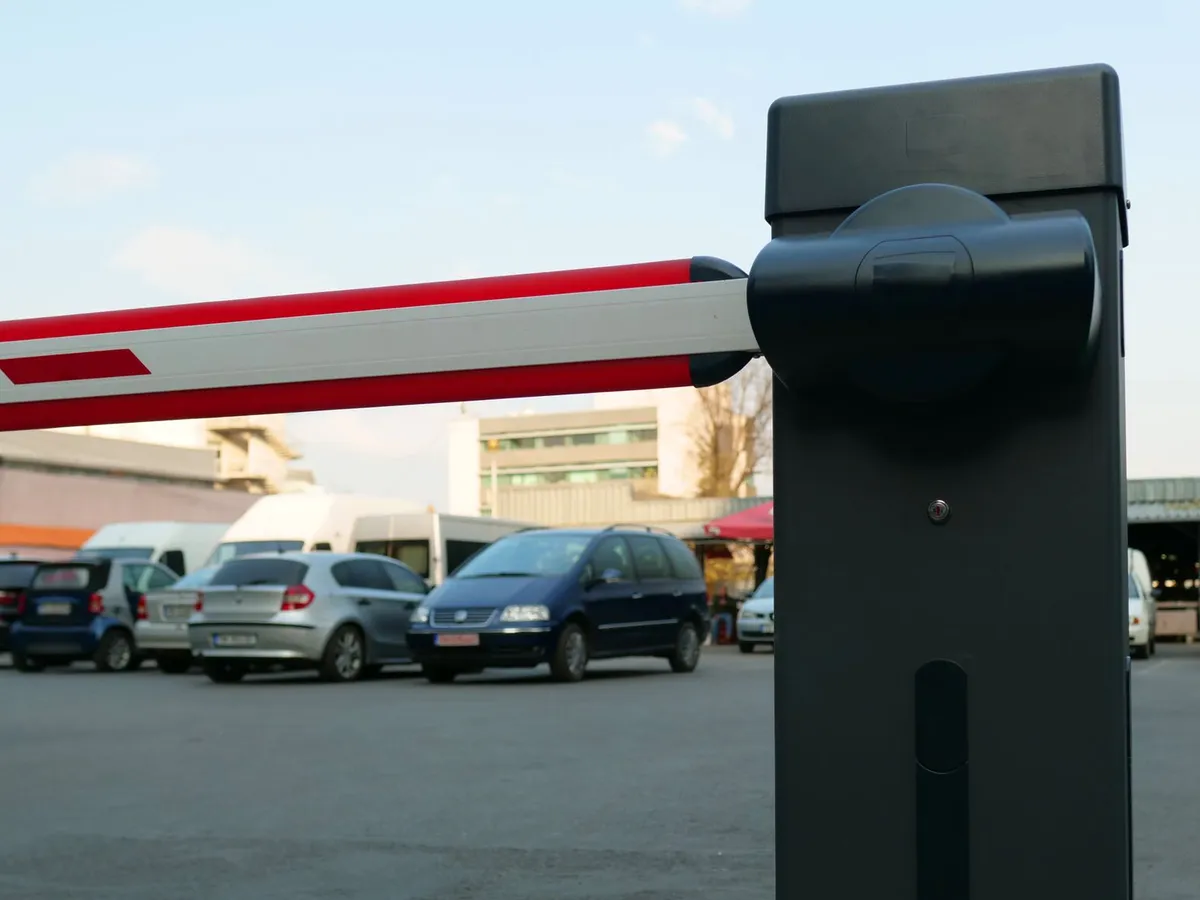
Each company keeps its spaces; staff and visitors find theirs.
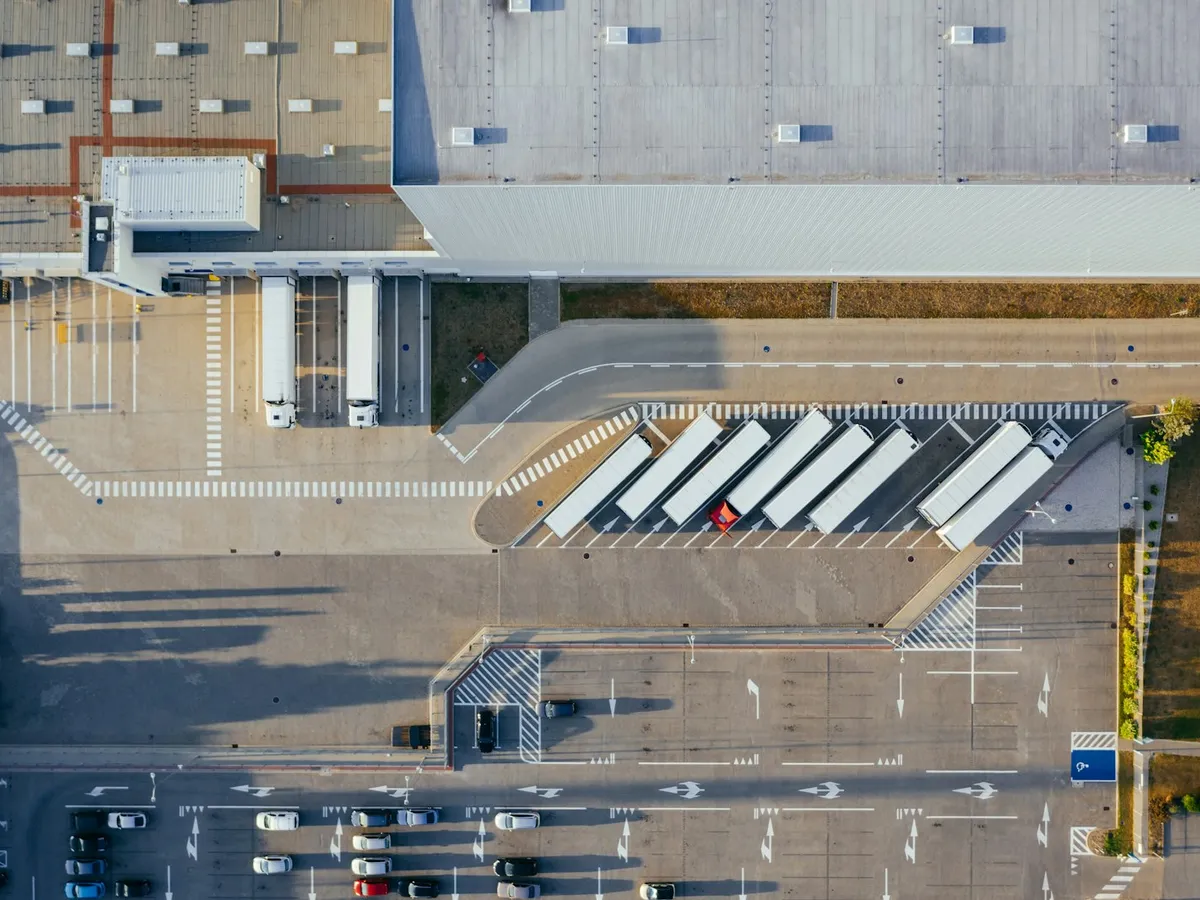
Fire lanes and walkways kept clear, day and night.
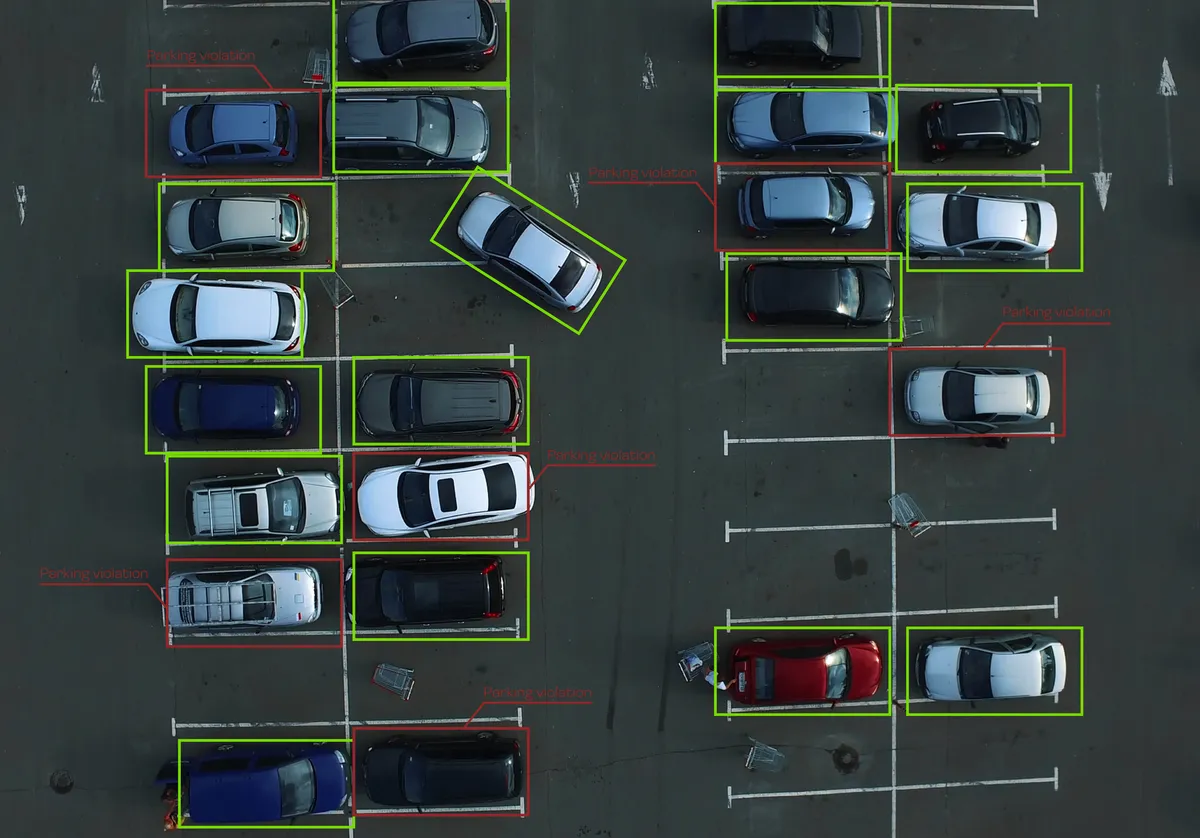
Cars left overnight after the shop closes.
Four rules: a car stopped in a no-parking zone you drew (a crosswalk, a fire lane or a walkway), a car in a space that belongs to another company, a car that is not on your list, and a car parked outside the hours you set. Each one is reported with the zone or space, the time and a photo, and every plate that can be read is logged.
You, as the owner of the car park, are always told. You can also switch on alerts for each company that has spaces there: it is then told when someone parks in its space. A company sees only its own spaces and is never told who the other car belongs to.
The cameras need to see the plates of the parked cars. We check your existing camera views at the free consultation and tell you where an extra camera would help.
Yes. It reads Bulgarian plates in Cyrillic and Latin characters and standard EU plates.
No. It tells you which cars broke your rules, with the evidence. What happens next, such as a note on the windscreen or a word with the tenant, is up to you. To keep unknown cars out at the gate, use Parking Access Control.
Plates are still read and checked on your site, and your people still get an SMS or a phone call about flagged cars. The photos reach your app and dashboard when the connection returns.
Users you invite to your company in the Spotted dashboard. Companies you add to your car park see only alerts about their own spaces. No other customer can see your data. It is stored on EU servers and deleted automatically after the retention period you choose.
We visit your car park, check your cameras and show you what you would see, before you commit.