Someone knows at once
The moment a person enters the zone, the people you choose get an SMS and an email with the photo, so they can step in before it hurts.

Draw a zone around a conveyor, press or loading ramp on the camera picture. The moment someone enters, the people you choose (a manager, safety officer or whoever monitors the area) get an SMS and an email with the photo, and a push alert in the app.
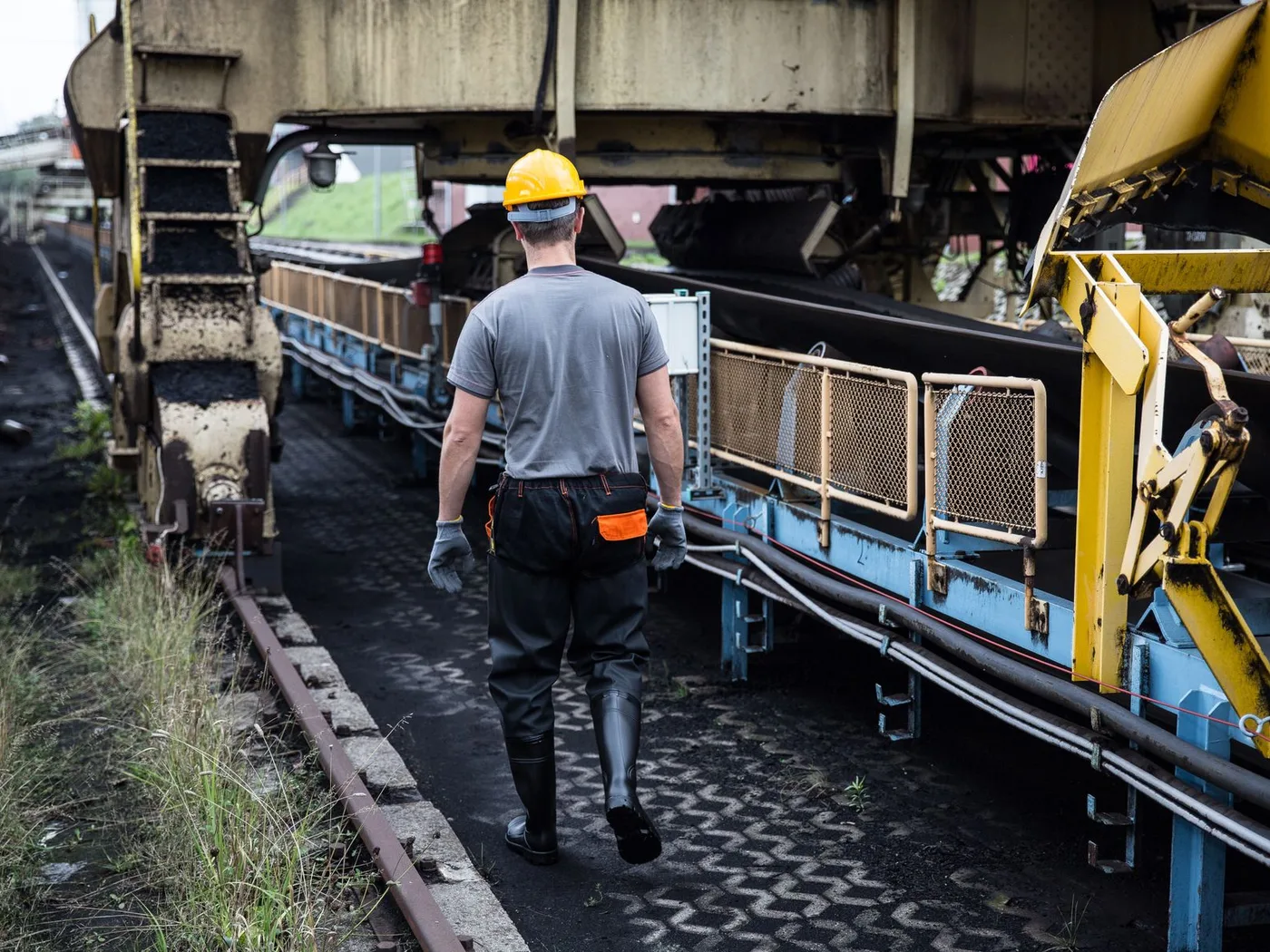
The moment a person enters the zone, the people you choose get an SMS and an email with the photo, so they can step in before it hurts.
A manager, the safety officer or whoever monitors the area: you choose who is told, and they see the photo in the app too.
Every entry is logged with time, zone and photo. See which zones people enter most, and fix the cause.
You draw the zone on the camera picture. The video goes from your recorder to our servers in the EU over an encrypted connection, where Spotted watches the zone and tells the people you choose the moment someone steps in.
A camera that sees the conveyor, press or ramp.
The recorder you already have sends the video on.
A person inside the zone you drew sets it off.
With the photo, to the people you choose.
Every entry with time and photo.
Facts for your next briefing.
Camera → your recorder → encrypted connection → Spotted on our servers in the EU watches the zone → an SMS, an email and an app push with the photo to the people you choose.
Nobody has to watch a screen. The moment someone steps in, the people who need to know are told, with the photo.
Someone walks into the no-go zone you drew along belt C-2.
To the people you choose: a manager, the safety officer or whoever monitors the area. The zone is named in the message.
The photo on their phone, so they can see who is in the zone and step in.
The entry is kept with time, zone and photo.
See which zones are entered most, and when, and use it in your next safety briefing.
An extra warning layer, not a machine guard. Danger Zone Alerts does not replace machine guards, light curtains, emergency stops or any safety function under EN ISO 13849. Keep them in place; Spotted tells the people you choose on top of them.
See which zones are entered, when and how often, with a photo of each entry. Bring the facts to your next safety briefing.
| Time | Zone | Alert |
|---|---|---|
| 08:31:12 | Press 1 | SMS + email |
| 07:58:40 | Belt C-2 | SMS + email |
| 06:44:03 | Ramp 3 | SMS + email |
| 06:12:27 | Press 1 | SMS + email |
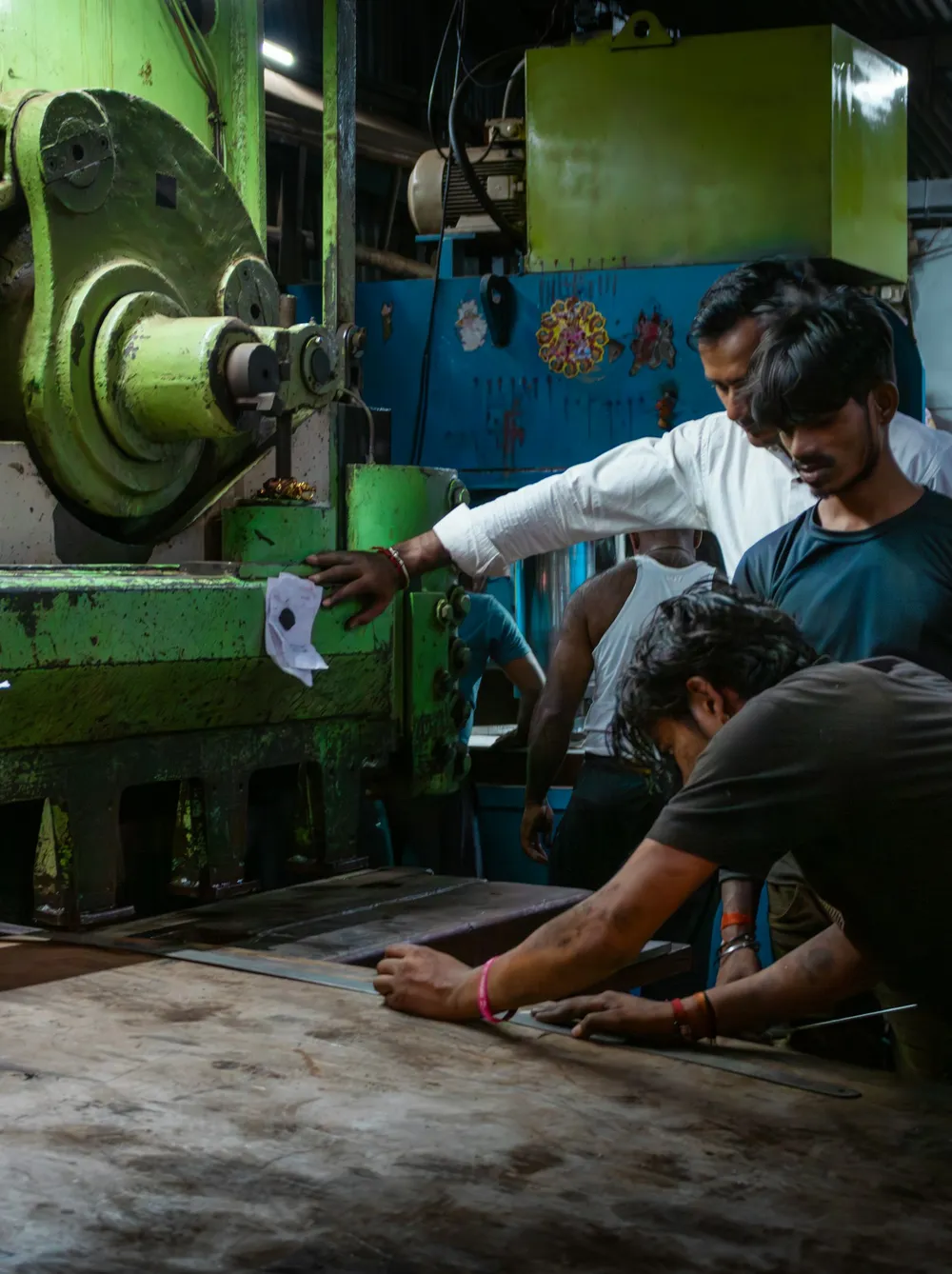
A warning when someone walks into the press area.
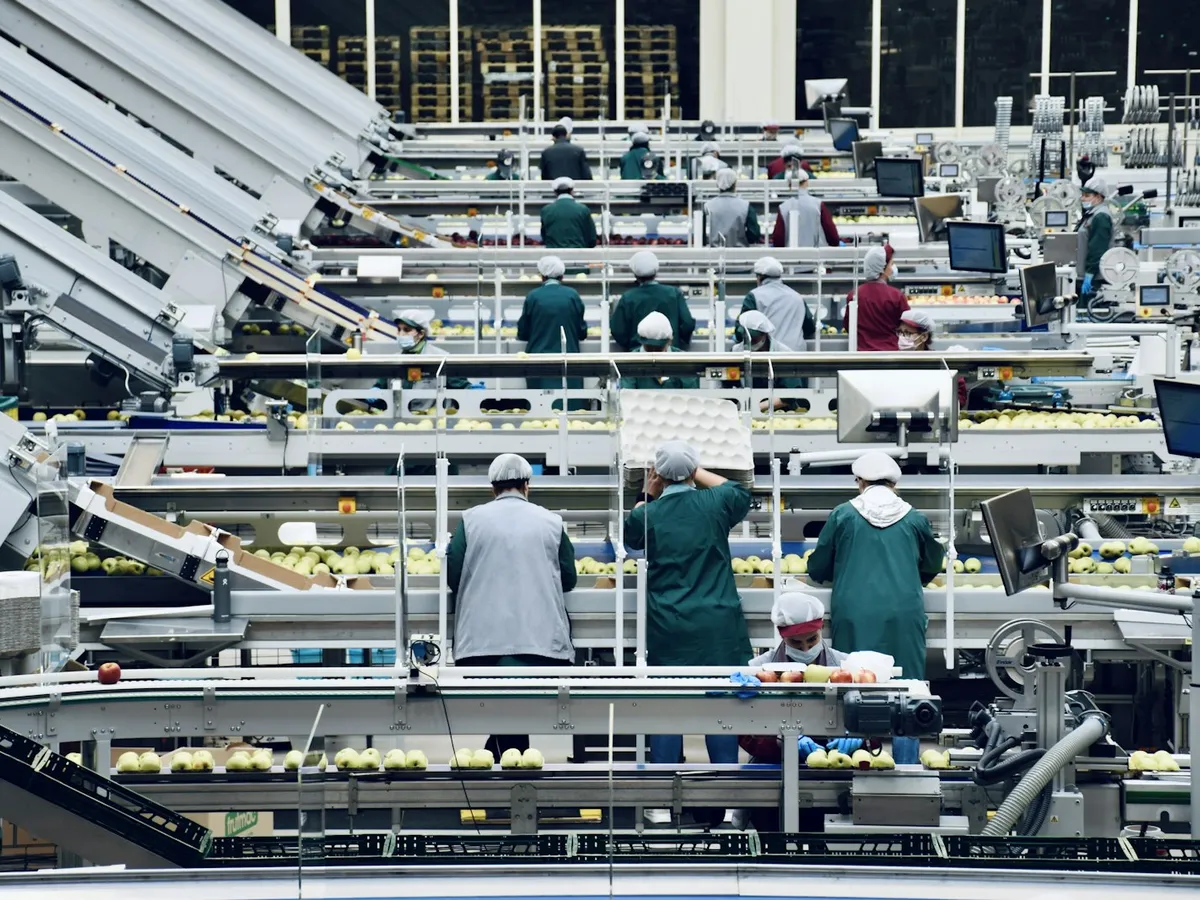
Zones along the belts where people should not cross.
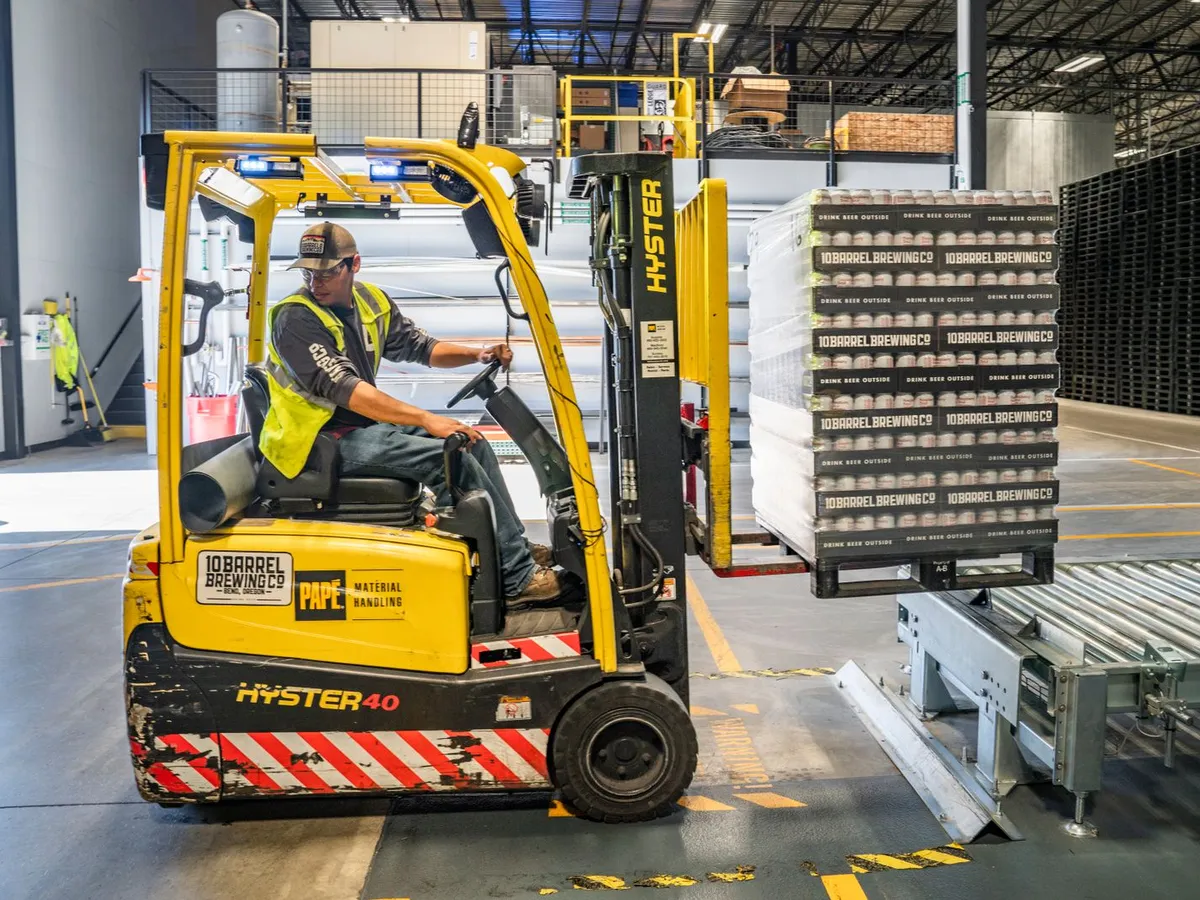
An alert when someone walks into the forklift area at the ramp.
No. Danger Zone Alerts is an extra warning layer. It does not replace machine guards, light curtains, emergency stops or any safety function under EN ISO 13849. Keep those in place; Spotted tells the people you choose on top of them.
You draw it on the camera picture, around the press, conveyor or ramp, and we set it up with you during installation.
The people you choose: a manager, the safety officer or whoever monitors the area. The moment someone enters, they get an SMS and an email with the photo, and a push alert in the app.
Yes. The video goes from your recorder (NVR/DVR) to our servers in the EU over an encrypted connection and is analysed there, under the GDPR, so your site needs an internet connection. We tell you if it goes offline: you get an email and an SMS when your site stops reporting.
Usually not, if a camera already sees the zone. We check your camera views at the free consultation.
No. It reacts to people entering the zone, not to machines or goods moving through it.
We visit your site, look at your machines and cameras, and show you where the zones would go, before you commit.